 ArchMM
Menu
ArchMM for iPhoneAvailable on the App Store
Architectural scale, without the guesswork.
Convert full-size feet and inches into model millimeters—or work backward from a model measurement—without stopping to rebuild the math.

Made for the model shop
The conversion you need, in the units you actually use.
ArchMM is for scenic designers, model makers, architects, and students moving between full-scale dimensions, architectural scales, and millimeters. Choose a scale from 1:1 through 1/16" = 1'-0" and see the result immediately.
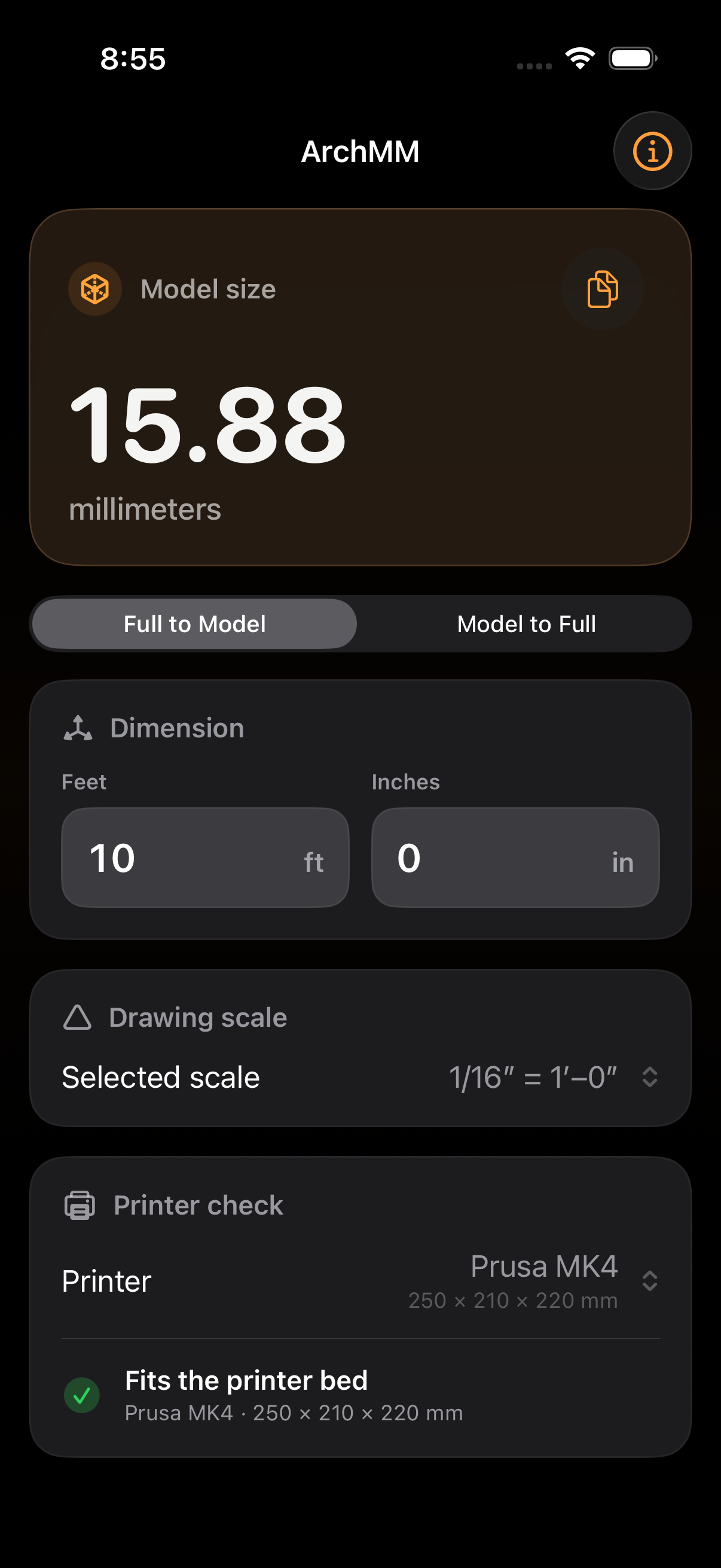
01 · Full size to model
Know the model measurement before the build starts.
Enter the dimension from the drawing, choose the architectural scale, and get the model measurement in millimeters without rebuilding the equation.
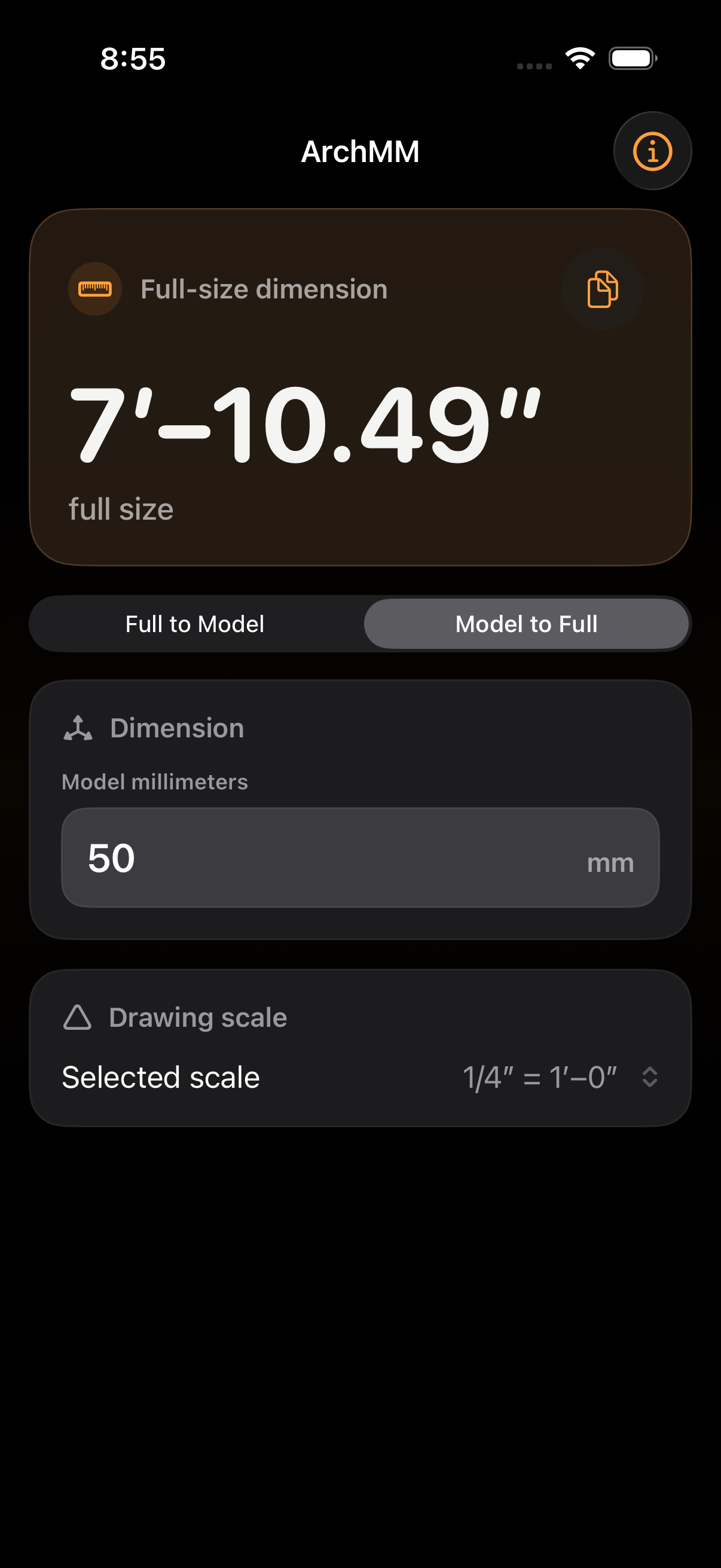
02 · Model to full size
Work backward without losing the scale.
Start with a measurement from the model and recover the full-size dimension when you need to check a drawing, revise a piece, or communicate the result.
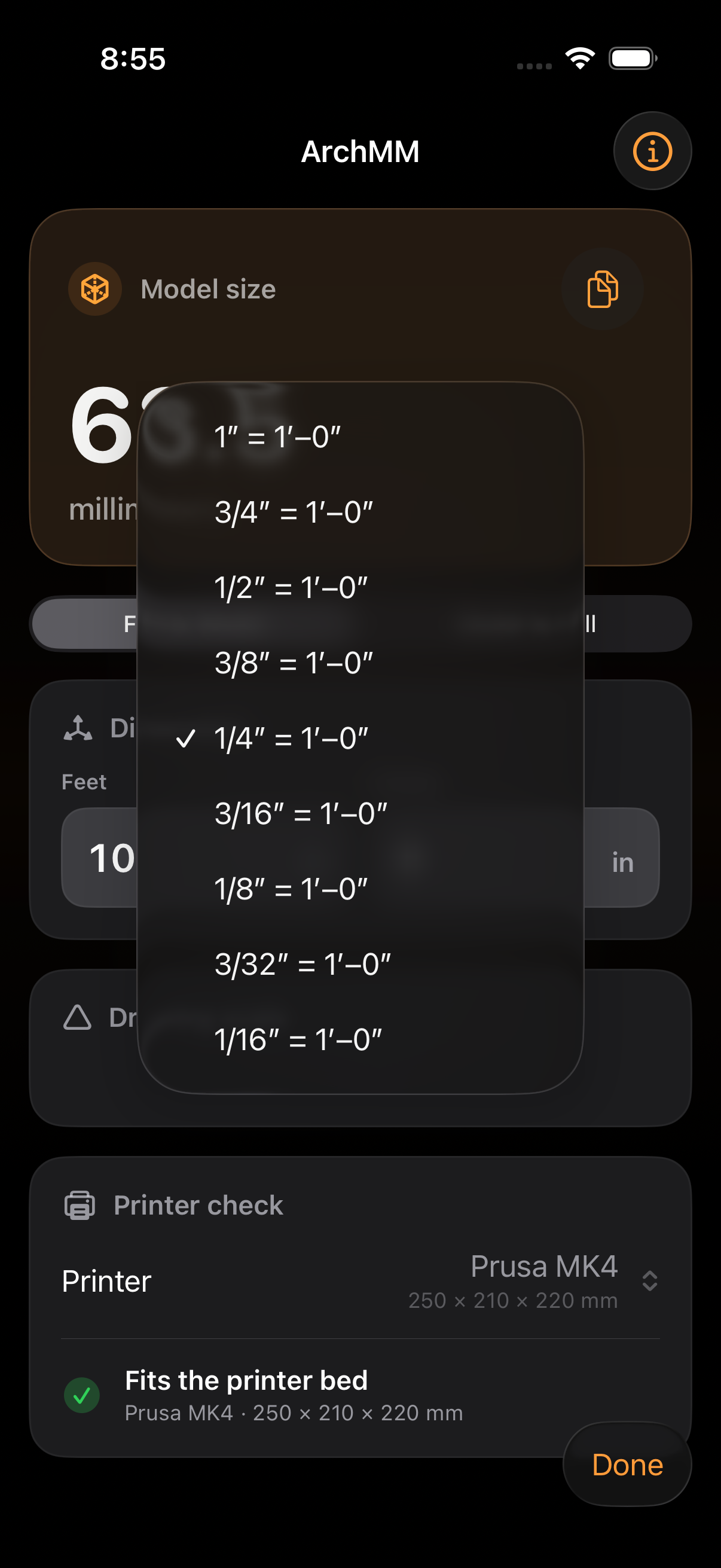
03 · Drawing scale
The scales you use stay within reach.
Move from full size through common architectural scales without searching a chart or carrying the conversion in your head.
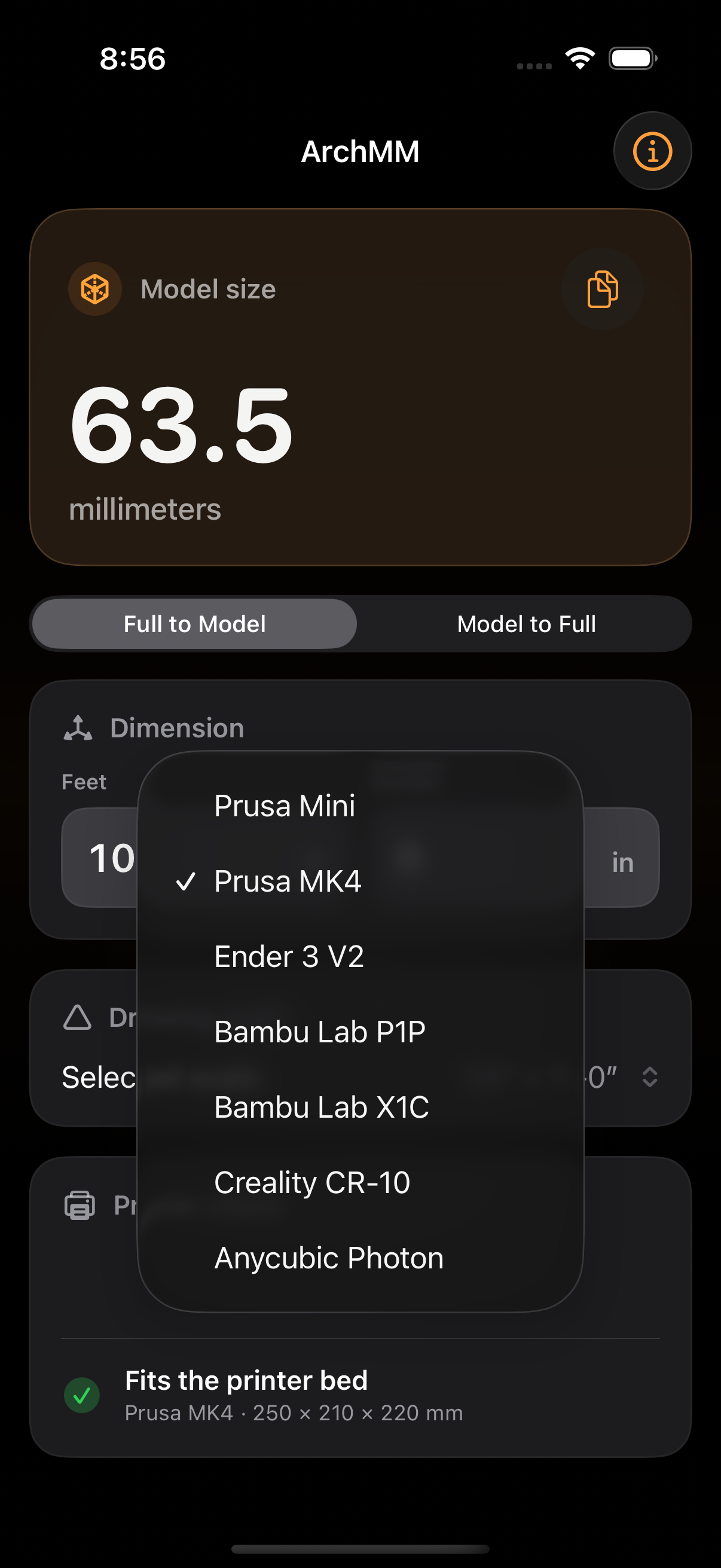
04 · Printer check
Check the bed before you prepare the print.
Compare the converted model length with a familiar printer preset, then confirm orientation and clearances in the slicer before fabrication.
Convert both ways
Move from feet and inches to model millimeters, or enter the model measurement to recover the full-size dimension.
Check the print bed
Compare the converted length with common Prusa, Bambu Lab, Creality, Ender, and Anycubic printer beds.
Keep it focused
No account, ads, analytics, or network connection. Your selected scale and printer stay on your iPhone.